
















Sale!-85%
3ds Max Subscription
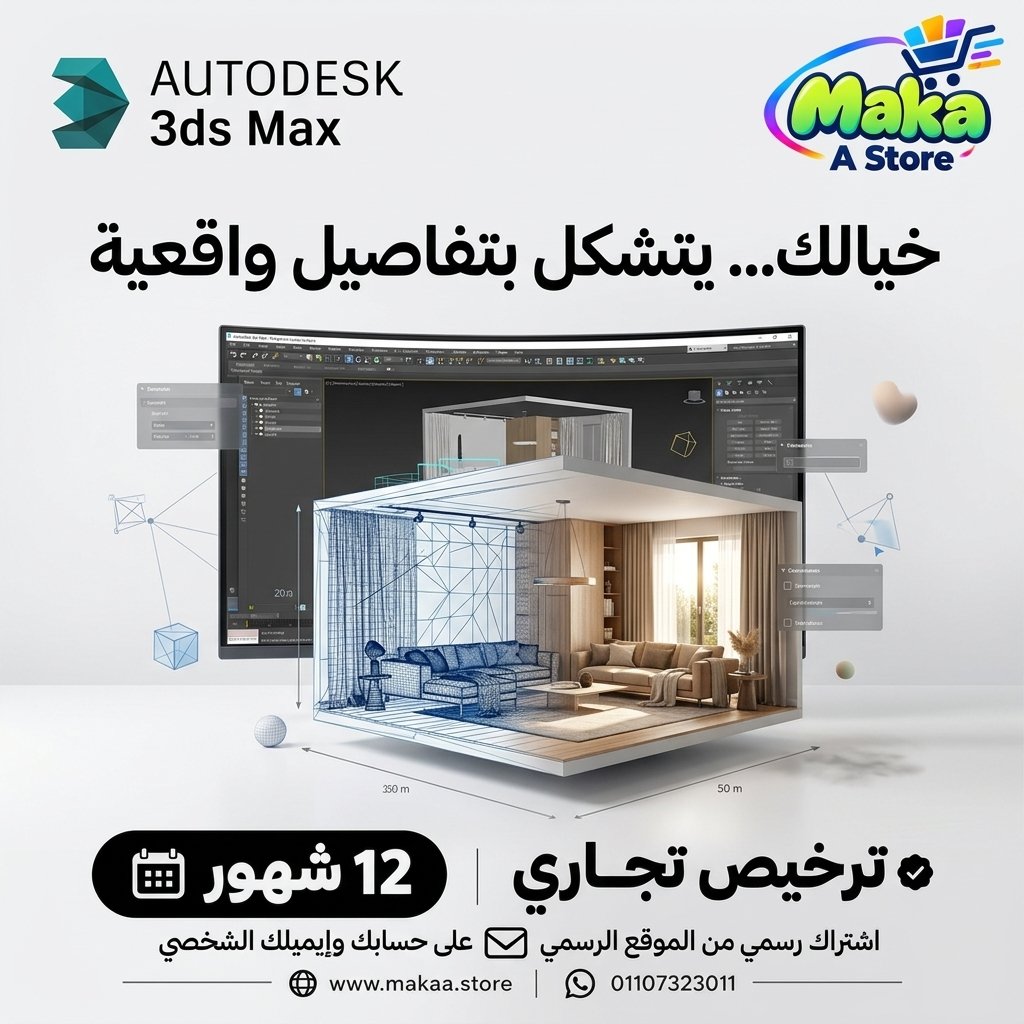
3ds Max Subscription — professional software or digital subscription from Maka A Store. Activation, license type and delivery details are shown on this page.
Duration12 months
License typeCommercial
ActivationTo your personal account/email
WarrantyWarranty throughout subscription
⚡ Fast activation🛡️ Warranty💬 Support🔒 Secure payment
3ds Max Commercial - Official 1-Year Subscription
If you work in 3D design, architectural visualization, interior design, exterior visualization, product presentation, or professional rendering workflows, Autodesk 3ds Max provides a comprehensive environment for 3D modeling, materials, lighting, animation, and scene preparation.
Get 3ds Max Commercial for 12 months, activated directly on your personal Autodesk account or your company account, and use the software for professional and commercial projects according to Autodesk licensing terms.
3ds Max Commercial - 1-Year Subscription
Price: EGP 14,000 / Year
Subscription Details
- Product: Autodesk 3ds Max.
- Duration: 12 Months.
- License Type: Commercial License.
- Activation: Your Personal or Company Autodesk Account.
- Official Autodesk subscription.
- Suitable for professional and commercial use according to Autodesk licensing terms.
- Official updates throughout the subscription period.
- Support during and after activation.
What Is Autodesk 3ds Max?
Autodesk 3ds Max is a professional 3D modeling, animation, and visualization application used across architecture, interior design, advertising, product visualization, games, and digital content production.
It provides advanced tools for building models, creating scenes, developing materials, setting up lighting, positioning cameras, and preparing projects for rendering.
3D Modeling
3ds Max provides a wide range of professional tools for creating complex 3D models and scenes.
Suitable for:
- Architectural Modeling.
- Interior Modeling.
- Exterior Modeling.
- Product Modeling.
- Furniture Modeling.
- Environmental Modeling.
- Custom 3D Assets.
Polygon Modeling
Polygon modeling tools allow artists and designers to build and edit detailed 3D geometry.
Suitable for:
- Furniture.
- Architectural Elements.
- Products.
- Decorative Assets.
- Complex 3D Models.
Modifier Stack
The Modifier Stack provides a flexible, non-destructive workflow for applying and adjusting multiple changes to 3D geometry.
This can help with:
- Faster revisions.
- Non-destructive modeling.
- Design experimentation.
- Better modeling workflow organization.
Interior Design
3ds Max is widely used for interior visualization and can be used to build complete spaces including architecture, furniture, materials, and lighting.
Suitable for:
- Residential Interiors.
- Commercial Interiors.
- Office Design.
- Hotel Interiors.
- Retail Spaces.
- Furniture Visualization.
Exterior Design
3ds Max can be used to create exterior architectural scenes, buildings, developments, and surrounding environments.
Suitable for:
- Villas.
- Residential Buildings.
- Commercial Buildings.
- Landscape Scenes.
- Urban Visualization.
- Exterior Presentations.
Materials
3ds Max provides advanced workflows for creating and adjusting materials for 3D scenes.
Material properties can include:
- Base Color.
- Reflection.
- Roughness.
- Transparency.
- Bump.
- Displacement.
- Texture Mapping.
UV Mapping
UV mapping tools help control how textures and images are distributed across 3D geometry.
Lighting
3ds Max provides lighting tools for a wide range of visualization workflows.
Suitable for:
- Interior Lighting.
- Exterior Lighting.
- Daylight Studies.
- Artificial Lighting.
- Product Lighting.
- Cinematic Lighting.
Cameras
Multiple cameras can be created and controlled within a scene for professional compositions, perspectives, still images, and animations.
Rendering
3ds Max can be used with compatible rendering engines to produce high-quality images and animations.
Common rendering workflows include:
- V-Ray.
- Corona Renderer.
- Arnold.
- Other compatible render engines depending on software versions and installed plugins.
V-Ray with 3ds Max
V-Ray is widely used with 3ds Max for architectural and interior visualization.
It can support:
- Photorealistic Rendering.
- Interior Rendering.
- Exterior Rendering.
- Advanced Lighting.
- Materials.
- Architectural Visualization.
Corona Renderer with 3ds Max
Corona Renderer is also widely used with 3ds Max, particularly for architectural and interior visualization workflows.
It can support:
- Photorealistic Images.
- Lighting Workflows.
- Material Workflows.
- Interior Visualization.
- Exterior Visualization.
- Architectural Rendering.
Arnold Renderer
3ds Max supports Arnold rendering workflows for lighting, materials, and professional 3D scene production according to the tools available in the software version.
Animation
3ds Max provides professional animation tools for objects, cameras, and complete 3D scenes.
Suitable for:
- Camera Animation.
- Object Animation.
- Mechanical Animation.
- Architectural Walkthroughs.
- Product Animations.
Keyframe Animation
Keyframes can be used to create and control movement over time for objects and cameras.
Graph Editors
Graph editing tools provide detailed control over animation curves, timing, and motion.
Architectural Visualization
3ds Max is widely used in architectural visualization workflows for transforming design models into professional presentation images and animations.
Suitable for:
- Interior Visualization.
- Exterior Visualization.
- Real Estate Presentation.
- Marketing Images.
- Architectural Animations.
- Project Presentations.
Model & File Import Workflows
3ds Max can be used with models and files created in other design and engineering applications according to supported file formats.
This makes it useful for continuing visualization workflows after the main architectural or engineering design has been completed elsewhere.
Autodesk Ecosystem Integration
3ds Max can be used as part of broader Autodesk architecture, engineering, and design workflows, helping teams move project data between design and visualization stages.
3ds Max for Interior Designers
Interior designers can use 3ds Max to build complete spaces, develop materials, set up lighting, and prepare scenes for rendering.
3ds Max for Architects
Architects can use 3ds Max to create 3D project presentations and improve how designs are communicated to clients.
3ds Max for Visualization Artists
The software provides professional modeling, material, lighting, and animation tools for artists working in architectural visualization.
3ds Max for Design Companies
Design companies and engineering firms can use 3ds Max to prepare high-quality visual presentations for client and project communication.
3ds Max for Product Visualization
The software can also be used for modeling and presenting products, furniture, and other objects for marketing and presentation purposes.
3ds Max for Advertising
3D modeling and animation tools can be used to create visual assets and scenes for advertising and marketing content.
Who Is It Suitable For?
- Interior Designers.
- Architects.
- 3D Artists.
- Visualization Artists.
- Motion Designers.
- Product Designers.
- Design Companies.
- Engineering Firms.
- Advertising Agencies.
- Real Estate Companies.
- Furniture Designers.
- Freelancers.
Key 3ds Max Features
- 3D Modeling.
- Polygon Modeling.
- Modifier Stack.
- Materials & Textures.
- UV Mapping.
- Lighting.
- Cameras.
- Animation.
- Architectural Visualization.
- Interior & Exterior Design Workflows.
- V-Ray Workflows.
- Corona Renderer Workflows.
- Arnold Rendering Workflows.
- 3D Image and Animation Production.
- Suitable for professional and commercial projects.
Activation Method
After completing your order, we will send an invitation to your personal email address or your company email address.
Once you accept the invitation, the Commercial subscription (3ds Max) will be activated directly on your Autodesk account and you can start using the software.
- Activation on your own Autodesk account.
- Activation using your personal or company email address.
- No password sharing required.
- The subscription appears on your Autodesk account after the invitation is accepted and activation is completed.
Warranty & Support
- Activation warranty according to the offer terms.
- Support during invitation acceptance and activation.
- Follow-up until the subscription appears correctly on your account.
- Technical support during and after activation.
- Technical follow-up when needed.
Delivery Time
The activation invitation is usually prepared and sent within 10 minutes to 5 hours, depending on order volume.
Important Notice
This product is an Autodesk Commercial License and is not an Educational edition.
It is intended for professional and commercial use according to Autodesk licensing terms and is activated on the customer's or company's Autodesk account.
3ds Max Commercial Details
Product: Autodesk 3ds Max
License Type: Commercial
Duration: 12 Months
Activation Method: Invitation to the Customer's Personal or Company Email
Account: Customer's Autodesk Account
Password Sharing: Not Required
Price: EGP 14,000 / Year
Keywords
3ds Max, Autodesk 3ds Max, 3ds Max Subscription, 3ds Max Price, Buy 3ds Max, 3ds Max Commercial, Autodesk 3ds Max Commercial, 3ds Max Annual Subscription, 3D Modeling Software, Architectural Visualization Software, Interior Rendering Software, Exterior Rendering Software, 3ds Max V-Ray, 3ds Max Corona, 3ds Max Arnold, 3D Animation Software, 3ds Max for Architects, 3ds Max for Interior Designers, 3ds Max for Visualization, Professional 3D Software, Architectural Rendering Software, 3ds Max Egypt.
With Maka A Store, get 3ds Max Commercial for one year for EGP 14,000, activated on your personal or company Autodesk account through an official invitation, and start creating professional 3D models, visualization scenes, animations, and rendering workflows with Autodesk 3ds Max.
Ordering & activation
Add the product to cart, complete checkout, choose a payment method and upload the receipt when required. Subscription and delivery details are confirmed before fulfillment.







Customers who subscribed with us
★★★★★5.0664 reviews
★★★★★✓ Verified purchase
Moh mamy
★★★★★✓ Verified purchase