
















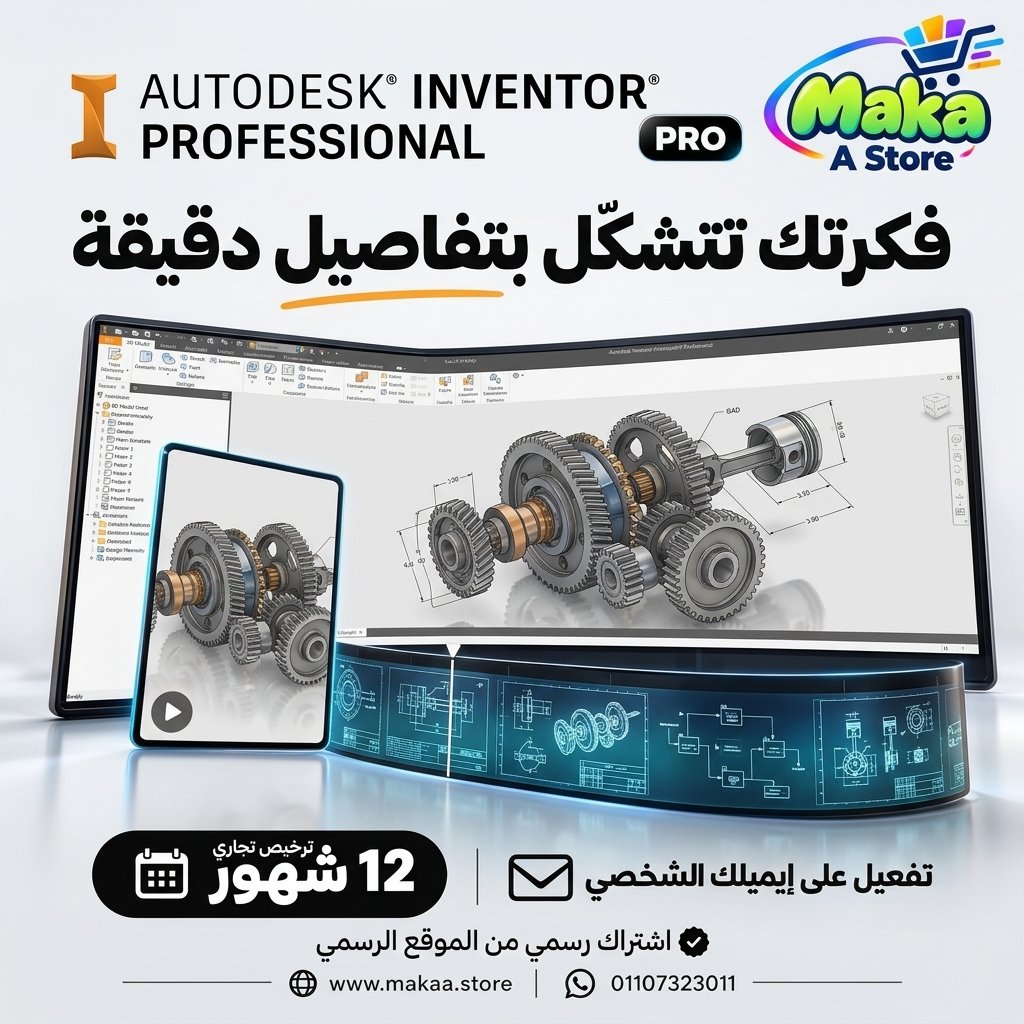
Inventor Professional Subscription
Inventor Professional Subscription — professional software or digital subscription from Maka A Store. Activation, license type and delivery details are shown on this page.
952.50 د.إ
Duration12 شهر
License typeCommercial
ActivationTo your personal account/email
WarrantyWarranty throughout subscription
⚡ Fast activation🛡️ Warranty💬 Support🔒 Secure payment
Inventor Professional Commercial - Official 1-Year Subscription
If you work in mechanical engineering, product design, manufacturing, or industrial development, Autodesk Inventor Professional provides a powerful set of tools for 3D mechanical design, assemblies, manufacturing drawings, motion workflows, and product development.
Get Inventor Professional Commercial for 12 months, activated directly on your personal Autodesk account or your company account, and use the software for professional and commercial projects according to Autodesk licensing terms.
Inventor Professional Commercial - 1-Year Subscription
Price: EGP 12700 / Year
Subscription Details
- Product: Autodesk Inventor Professional.
- Duration: 12 Months.
- License Type: Commercial License.
- Activation: Your Personal or Company Autodesk Account.
- Official Autodesk subscription.
- Suitable for professional and commercial use according to Autodesk licensing terms.
- Official updates throughout the subscription period.
- Support during and after activation.
What Is Autodesk Inventor Professional?
Autodesk Inventor Professional is a professional 3D mechanical CAD solution designed for mechanical engineering, product design, industrial equipment, and manufacturing workflows.
It can be used to create mechanical parts, complex assemblies, manufacturing drawings, product documentation, and engineering models before physical production begins.
3D Mechanical Design
Inventor provides advanced tools for building accurate 3D mechanical models.
Suitable for:
- Mechanical Parts.
- Industrial Components.
- Machine Design.
- Product Design.
- Mechanical Systems.
- Custom Components.
Parametric Modeling
Inventor uses parametric modeling workflows that allow dimensions, constraints, and design relationships to update connected geometry in a structured way.
This is useful for design iterations, product variations, and engineering changes.
Part Design
Inventor can be used to create complex mechanical parts and production-ready component models.
Examples include:
- Machined Parts.
- Mechanical Components.
- Brackets.
- Housings.
- Shafts.
- Custom Product Parts.
Assembly Design
Inventor provides powerful tools for combining multiple parts into complete assemblies and studying their mechanical relationships.
This can help with:
- Checking component fit.
- Reviewing assemblies before manufacturing.
- Identifying design problems.
- Managing complex products.
- Reviewing movement and component clearances.
Assembly Constraints
Assembly constraints can be used to define how components are positioned and related to each other within a mechanical assembly.
Motion Analysis
Inventor supports motion-related workflows that help engineers study how mechanisms and components move before manufacturing.
Useful for:
- Mechanisms.
- Machine Components.
- Moving Assemblies.
- Mechanical Linkages.
- Product Motion Studies.
Design Analysis Before Manufacturing
Inventor Professional provides engineering capabilities that can help evaluate design behavior before physical manufacturing.
This can help with:
- Reducing design errors.
- Improving product performance.
- Identifying weaknesses earlier.
- Reducing prototype costs.
- Accelerating product development.
Manufacturing Drawings
Detailed manufacturing drawings can be generated from 3D models for production and assembly workflows.
They can include:
- 2D Manufacturing Drawings.
- Dimensions.
- Annotations.
- Section Views.
- Detail Views.
- Assembly Drawings.
- Parts Documentation.
Shop Drawings
Inventor can be used to create detailed drawings that support workshop, fabrication, and manufacturing processes.
Bill of Materials
Bill of Materials workflows can help organize components and materials required for production and assembly.
Useful for:
- Parts Lists.
- Material Planning.
- Assembly Documentation.
- Production Preparation.
- Inventory Coordination.
Sheet Metal Design
Inventor provides dedicated workflows for designing sheet metal components and preparing them for fabrication.
Suitable for:
- Sheet Metal Parts.
- Bends.
- Flanges.
- Flat Patterns.
- Manufacturing Documentation.
Frame Design
Inventor can support mechanical frame and structural framework design used in machines and industrial equipment.
Tube & Pipe Design
Inventor Professional provides workflows for designing tube and pipe routes inside mechanical products and systems.
Cable & Harness
Cable and harness workflows can help organize electrical and electromechanical routing within supported product designs.
Industrial Product Design
Inventor can support the development of industrial products from initial concepts through detailed engineering models and manufacturing documentation.
Suitable for:
- Machines.
- Industrial Equipment.
- Mechanical Products.
- Production Systems.
- Factory Equipment.
- Custom Engineering Products.
Autodesk Ecosystem Integration
Inventor can be used within Autodesk engineering and manufacturing workflows, helping teams exchange project data across different stages of design and production.
Inventor Professional for Mechanical Engineers
Mechanical engineers can use Inventor for part design, assembly design, mechanisms, product development, and engineering documentation.
Inventor Professional for Manufacturing Companies
Manufacturing companies can use Inventor to develop products, machinery, equipment, and production drawings.
Inventor Professional for Workshops
Fabrication and production workshops can use detailed drawings and component information to organize manufacturing processes.
Inventor Professional for Industrial Design Companies
Industrial product teams can use Inventor to design and review products and mechanical systems before physical production.
Inventor Professional for Product Development
Inventor helps teams move from concepts to engineering models that can be reviewed, documented, and prepared for manufacturing.
Who Is It Suitable For?
- Mechanical Engineers.
- Mechanical Designers.
- Product Designers.
- Design Engineers.
- Manufacturing Companies.
- Production Workshops.
- Industrial Design Companies.
- Equipment Manufacturers.
- Product Development Teams.
- Production Engineers.
- Research & Development Teams.
Key Inventor Professional Features
- 3D Mechanical Design.
- Parametric Modeling.
- Part Design.
- Assembly Design.
- Motion Analysis.
- Manufacturing Drawings.
- Shop Drawings.
- Bill of Materials.
- Sheet Metal Design.
- Frame Design.
- Tube & Pipe Workflows.
- Cable & Harness Workflows.
- Product Development Tools.
- Mechanical engineering and manufacturing workflows.
Activation Method
After completing your order, we will send an invitation to your personal email address or your company email address.
Once you accept the invitation, the Commercial subscription (Inventor Professional) will be activated directly on your Autodesk account and you can start using the software.
- Activation on your own Autodesk account.
- Activation using your personal or company email address.
- No password sharing required.
- The subscription appears on your Autodesk account after the invitation is accepted and activation is completed.
Warranty & Support
- Activation warranty according to the offer terms.
- Support during invitation acceptance and activation.
- Follow-up until the subscription appears correctly on your account.
- Technical support during and after activation.
- Technical follow-up when needed.
Delivery Time
The activation invitation is usually prepared and sent within 10 minutes to 5 hours, depending on order volume.
Important Notice
This product is an Autodesk Commercial License and is not an Educational edition.
It is intended for professional and commercial use according to Autodesk licensing terms and is activated on the customer's or company's Autodesk account.
Inventor Professional Commercial Details
Product: Autodesk Inventor Professional
License Type: Commercial
Duration: 12 Months
Activation Method: Invitation to the Customer's Personal or Company Email
Account: Customer's Autodesk Account
Password Sharing: Not Required
Price: EGP 12700 / Year
Keywords
Inventor Professional, Autodesk Inventor, Inventor Professional Subscription, Inventor Professional Price, Buy Inventor, Inventor Commercial, Autodesk Inventor Commercial, Inventor Annual Subscription, Mechanical Design Software, 3D Mechanical CAD, Product Design Software, Assembly Design, Sheet Metal Design, Motion Analysis, Shop Drawings, Manufacturing Drawings, Autodesk Mechanical Software, Inventor for Mechanical Engineers, Inventor for Manufacturing, Mechanical CAD Software, Product Development Software, Inventor Professional Egypt.
With Maka A Store, get Inventor Professional Commercial for one year for EGP 12700, activated on your personal or company Autodesk account through an official invitation, and start designing mechanical parts, assemblies, products, and manufacturing documentation professionally.
Ordering & activation
Add the product to cart, complete checkout, choose a payment method and upload the receipt when required. Subscription and delivery details are confirmed before fulfillment.







Customers who subscribed with us
★★★★★5.0568 reviews