
















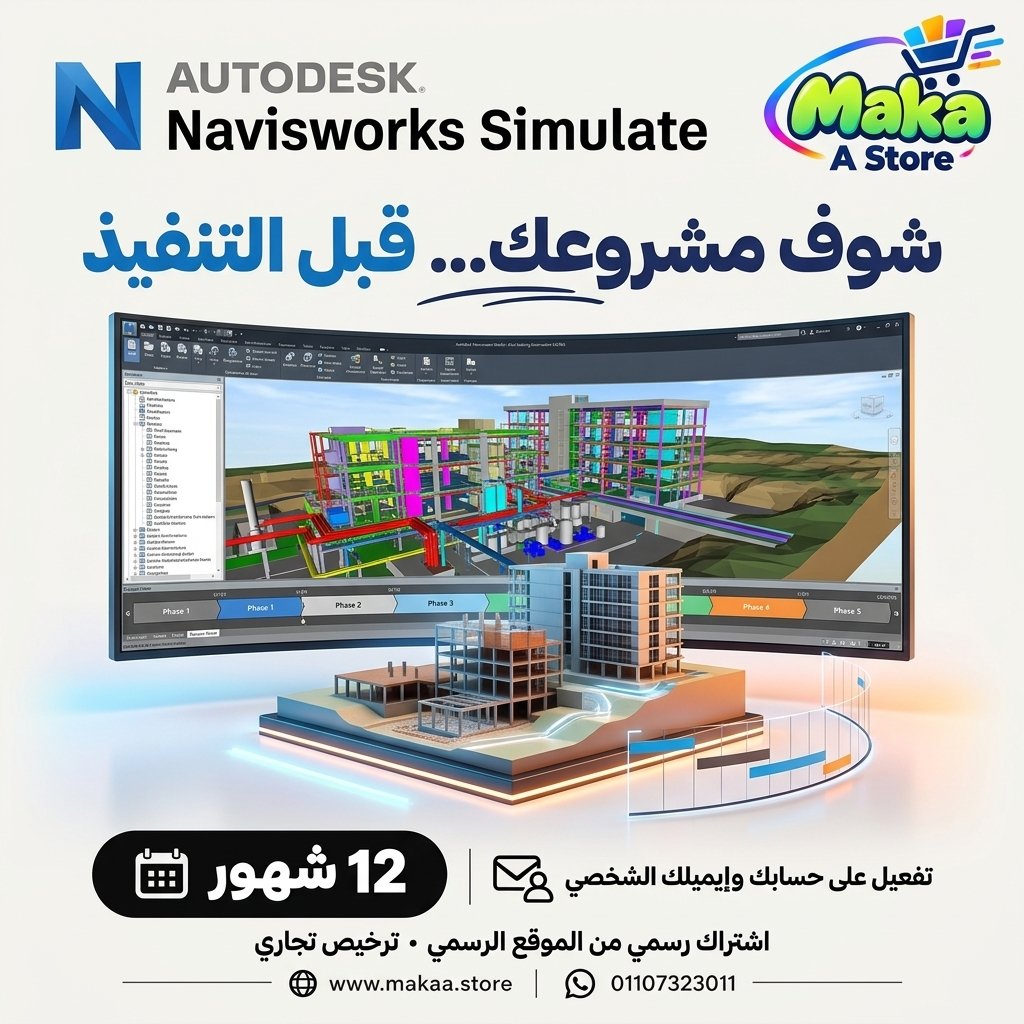
Navisworks Simulate subscription
Navisworks Simulate subscription — professional software or digital subscription from Maka A Store. Activation, license type and delivery details are shown on this page.
258.75 $
Duration12 months
License typeCommercial
ActivationTo your personal account/email
WarrantyWarranty throughout subscription
⚡ Fast activation🛡️ Warranty💬 Support🔒 Secure payment
Autodesk Navisworks Simulate Commercial - 1-Year Subscription for Project Review, Coordination & 4D Visualization
Get Autodesk Navisworks Simulate Commercial for 12 months and access professional tools for reviewing 3D models, combining project files, visualizing construction phases, and presenting engineering projects within a unified environment.
Navisworks Simulate is an Autodesk solution designed for engineering, BIM, construction, and project review workflows, helping teams bring models from multiple disciplines together for visualization, review, coordination, and project communication.
Autodesk Navisworks Simulate Commercial
Price: EGP 12500 / Year
Subscription Details
- Product: Autodesk Navisworks Simulate.
- Subscription Duration: 12 Months.
- License Type: Commercial.
- Usage: Professional & Commercial.
- Activation: Personal or Company Email Account.
- Access to features available under the Navisworks Simulate plan.
- Available updates throughout the subscription period.
- Support during activation and setup.
What Is Autodesk Navisworks Simulate?
Navisworks Simulate is specialized project review software that allows engineering teams to combine design files and 3D models from multiple sources into a unified project environment.
It can be used across architecture, construction, infrastructure, and industrial projects where teams need to review and present models created by different disciplines.
Combine Project Files into One Model
One of the key capabilities of Navisworks Simulate is the ability to combine models and project files from different sources into one environment.
This can help teams:
- Combine models from multiple disciplines.
- Review the project as a whole.
- Reduce the need to open separate project files individually.
- Improve communication between design and construction teams.
- Create a unified project model.
3D Model Review
Navisworks Simulate allows users to navigate and review 3D project models from different viewpoints.
Users can:
- Navigate through the model.
- Review different project elements.
- Explore spaces and details.
- Evaluate the project visually.
- View multiple design disciplines together.
Multidiscipline Coordination
Navisworks Simulate helps project teams review models from different engineering disciplines within the same environment.
This may include:
- Architecture.
- Structure.
- MEP.
- Civil.
- Infrastructure.
Bringing these models together can improve project understanding and coordination between teams.
Construction Phase Visualization
Navisworks Simulate can be used to create and review project sequences associated with different construction stages.
This is useful for:
- Reviewing project phases.
- Visualizing construction sequences.
- Explaining execution plans to different teams.
- Reviewing planned progress.
- Preparing presentations for owners and clients.
4D Simulation
Navisworks Simulate can be used within workflows that connect project models with schedules to visualize how a project may develop over time.
This can help teams:
- Visualize projects over time.
- Review activity sequencing.
- Explain construction plans.
- Improve communication between planning and execution teams.
Professional Project Presentations
Navisworks Simulate can help teams create visual project presentations for meetings, design reviews, client presentations, and internal coordination.
Possible applications include:
- 3D project presentations.
- Creating different project views.
- Showing construction stages.
- Explaining designs to clients.
- Reviewing projects with engineering teams.
Animation
The software includes tools that can help create animated views and project presentations.
Animation can be used for:
- Project walkthroughs.
- Visual navigation paths.
- Design explanation.
- Project presentation preparation.
Project Review Workflows
Navisworks Simulate can be used within project review workflows to help teams understand model information, project scope, and design content in a more organized way.
Autodesk Revit Integration
Navisworks Simulate can be used within workflows involving Autodesk Revit to review architectural, structural, and MEP models in a unified environment.
This can improve BIM collaboration and design review before construction.
AutoCAD Workflows
Files generated from AutoCAD can be included within supported Navisworks workflows, allowing teams to review design data alongside other project models.
Civil 3D Workflows
Navisworks Simulate can also be used within workflows involving Autodesk Civil 3D for roads, infrastructure, utilities, and civil engineering projects.
This can help teams review civil models together with other project disciplines.
Navisworks Simulate for Engineering Offices
Engineering offices can use the software to review models and share project information between different design teams.
It can help with:
- Design review.
- Client presentations.
- Multidiscipline model aggregation.
- Design stage review.
- Professional project visualization.
Navisworks Simulate for Construction Companies
Construction companies can use Navisworks Simulate to review models, understand construction sequences, and communicate project stages with site teams and management.
Suitable project types include:
- Residential Buildings.
- Commercial Buildings.
- Hospitals.
- Hotels.
- Office Developments.
- Infrastructure Projects.
- Industrial Projects.
Navisworks Simulate for BIM Teams
BIM teams can use Navisworks Simulate to combine and review models from different disciplines within one project environment.
This provides a centralized way to visualize and understand a project instead of working with separate discipline models.
Navisworks Simulate for Project Managers
Project managers can use the software to visually communicate project scope, sequencing, and progress with engineering teams, stakeholders, and clients.
Who Is It Suitable For?
- BIM Engineers.
- BIM Coordinators.
- Architects.
- Structural Engineers.
- MEP Engineers.
- Civil Engineers.
- Project Managers.
- Construction Companies.
- Engineering Offices.
- Engineering Consultants.
- Planning and Construction Teams.
Key Autodesk Navisworks Simulate Features
- Combine project models and files in one environment.
- 3D model review.
- Visual multidisciplinary coordination.
- Support for 4D simulation workflows.
- Construction phase visualization.
- Professional project presentations.
- Animation and project visualization tools.
- Workflows with Revit, AutoCAD, and Civil 3D.
- Suitable for BIM, construction, and consulting teams.
- Designed for professional and commercial use.
Commercial License for Professional Use
The offered subscription is a Commercial plan intended for professional and business use, making it suitable for companies, engineering offices, consultants, BIM teams, and construction companies working on paid projects.
Autodesk Navisworks Simulate can be used within professional project environments according to the applicable licensing terms.
Activation Method
After completing your order, we will send an invitation to your personal email address or your company email address.
Once you accept the invitation, your Autodesk Navisworks Simulate Commercial subscription will be activated directly on your account and you can start using the software immediately.
Autodesk Navisworks Simulate Commercial Details
Product: Autodesk Navisworks Simulate
Plan Type: Commercial
Subscription Duration: 12 Months
Usage: Professional & Commercial
Activation: Invitation sent to the customer's personal or company email address
Price: EGP 12500 / Year
Delivery Time
The invitation and activation are usually prepared within 10 minutes to 5 hours, depending on order volume.
Support
- Support during activation.
- Assistance with accepting the invitation and setting up the subscription.
- Follow-up until the subscription is activated on your account.
- Technical support according to the applicable service and warranty terms.
Keywords
Navisworks Simulate, Autodesk Navisworks Simulate, Navisworks Simulate Subscription, Navisworks Price, Navisworks Commercial, BIM Review Software, BIM Coordination Software, 4D Simulation Software, Project Review Software, Autodesk BIM, Revit Navisworks, Civil 3D Navisworks, Construction Simulation Software, 3D Project Review Software, BIM Visualization, Navisworks for Construction.
With Maka A Store, get Autodesk Navisworks Simulate Commercial for one year for EGP 12500, activated on your account through an invitation sent to your personal or company email, and review, coordinate, visualize, and present your engineering projects in one professional environment.
Ordering & activation
Add the product to cart, complete checkout, choose a payment method and upload the receipt when required. Subscription and delivery details are confirmed before fulfillment.







Customers who subscribed with us
★★★★★5.0667 reviews