
















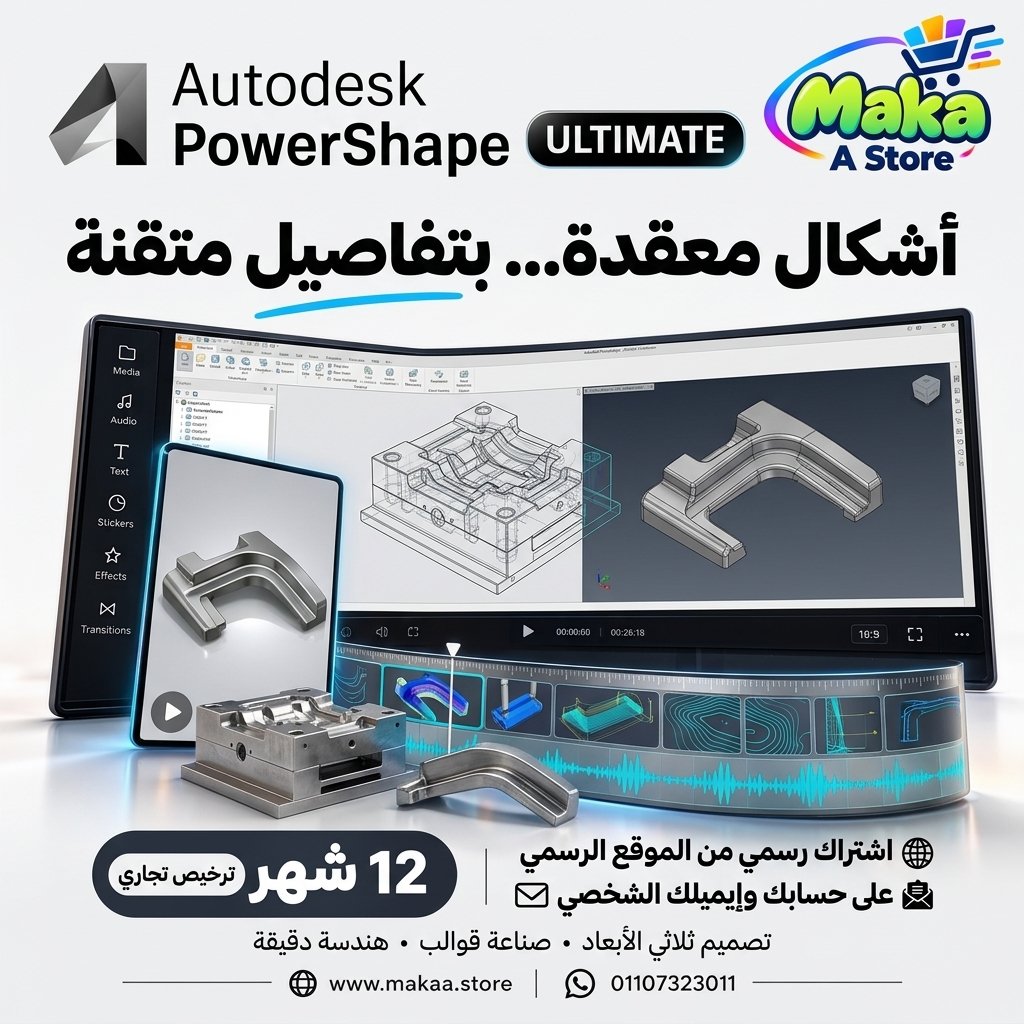
PowerShape Ultimate Subscription
PowerShape Ultimate Subscription — professional software or digital subscription from Maka A Store. Activation, license type and delivery details are shown on this page.
1,050.00 د.إ
Duration12 months
License typeCommercial
ActivationTo your personal account/email
WarrantyWarranty throughout subscription
⚡ Fast activation🛡️ Warranty💬 Support🔒 Secure payment
Autodesk PowerShape Ultimate Commercial - 1-Year Subscription for Mold, Tooling & Complex Manufacturing Design
Get Autodesk PowerShape Ultimate Commercial for 12 months and access advanced tools for 3D modeling, mold design, complex surface development, and manufacturing model preparation with a Commercial plan intended for professional and paid projects.
PowerShape Ultimate is an Autodesk CAD solution designed for complex manufacturing and industrial design workflows, helping engineers and manufacturing teams create, modify, repair, and prepare CAD geometry for CAM and CNC production.
Autodesk PowerShape Ultimate Commercial
Price: EGP 14000 / Year
Subscription Details
- Product: Autodesk PowerShape Ultimate.
- Subscription Duration: 12 Months.
- License Type: Commercial.
- Usage: Professional & Commercial.
- Activation: Personal or Company Email Account.
- Access to features available under the PowerShape Ultimate plan.
- Available updates throughout the subscription period.
- Support during activation and setup.
What Is Autodesk PowerShape Ultimate?
PowerShape Ultimate is specialized CAD software for designing and modifying complex industrial parts, molds, tooling, and manufacturing geometry.
It combines solid modeling, surface modeling, and geometry editing tools, allowing manufacturing teams to prepare complex CAD models for CAM and CNC workflows.
Complex Industrial Part Design
PowerShape Ultimate can be used to create and develop industrial components with complex geometry that may require specialized modeling tools.
It can help with:
- Creating accurate 3D models.
- Developing complex geometry.
- Modifying imported models.
- Improving geometry before manufacturing.
- Preparing designs for CAM and CNC workflows.
Mold & Die Design
PowerShape is well suited for mold, die, and tooling design workflows across different manufacturing industries.
Possible applications include:
- Mold Design.
- Die Design.
- Tooling Design.
- Creating mold-related components.
- Developing surfaces and geometry for manufacturing.
Advanced Surface Modeling
PowerShape Ultimate includes advanced tools for creating and modifying 3D surfaces, which is particularly useful for complex products, tooling, and freeform manufacturing geometry.
Surface modeling tools can be used for:
- Creating complex surfaces.
- Repairing surfaces.
- Modifying detailed geometry.
- Building transitions between surfaces.
- Improving geometry quality.
- Preparing models for manufacturing.
Solid Modeling
Solid modeling tools can be used to create and modify solid geometry and make the changes required for industrial and manufacturing designs.
This allows users to combine solid and surface modeling according to the requirements of each component.
Hybrid Modeling
One of PowerShape's strengths is its ability to work with different types of geometry within the same workflow.
Users can work with:
- Solids.
- Surfaces.
- Wireframe Geometry.
- Imported CAD Data.
CAD Model Repair & Preparation
Manufacturing teams frequently receive CAD models from different sources and applications that require modification or repair before CAM programming.
PowerShape Ultimate can help with:
- Modifying imported CAD models.
- Repairing geometry issues.
- Removing unnecessary details.
- Adding or modifying design features.
- Preparing models for manufacturing.
Integration with Autodesk PowerMill
PowerShape Ultimate can be used within a connected workflow with Autodesk PowerMill to prepare and optimize CAD geometry before creating machining toolpaths.
A typical workflow may include:
- Importing CAD geometry.
- Reviewing and repairing the model.
- Making required design changes.
- Preparing the model for manufacturing.
- Moving to PowerMill for machining toolpath creation.
CNC Model Preparation
PowerShape can help prepare components before they are transferred to CAM software for CNC programming.
Possible uses include:
- Cleaning CAD models.
- Closing or modifying geometry.
- Adjusting models for manufacturing requirements.
- Preparing molds and tooling.
- Optimizing geometry before toolpath creation.
Reverse Engineering Workflows
PowerShape can also be used within workflows involving engineering data generated through measurement or 3D scanning, allowing teams to develop or modify models before manufacturing.
This can be useful when recreating or modifying existing components.
Tooling Design
PowerShape provides tools suitable for developing tooling components used in manufacturing environments.
Possible applications include:
- Manufacturing Molds.
- Jigs.
- Fixtures.
- Dies.
- Production Tools and Components.
PowerShape for Manufacturing Facilities
Manufacturers can use PowerShape Ultimate within design and production departments to modify and prepare models before CAM and CNC operations.
This can help improve collaboration between design and manufacturing teams.
PowerShape for CNC Machine Shops
CNC machine shops can use the software when customer CAD files require editing, repair, or preparation before machining toolpaths are created.
This provides greater flexibility when working with different CAD models and manufacturing requirements.
PowerShape for Mold & Die Companies
PowerShape is suitable for Mold & Die manufacturing companies that work with complex geometry and advanced surface designs requiring accurate preparation before machining.
PowerShape for Manufacturing Engineers
Manufacturing engineers can use PowerShape to modify models and develop geometry according to production requirements.
This can help with:
- Improving manufacturability.
- Modifying designs.
- Repairing CAD files.
- Developing mold and tooling solutions.
- Preparing models for CAM.
Industries Suitable for PowerShape Ultimate
- Mold Manufacturing.
- Die & Tool Manufacturing.
- Automotive Manufacturing.
- Aerospace Manufacturing.
- Precision Engineering.
- Industrial Manufacturing.
- CNC Machining.
- Product Manufacturing.
Key Autodesk PowerShape Ultimate Features
- Complex industrial part design.
- Mold and tooling design.
- Advanced Surface Modeling.
- Solid Modeling.
- Hybrid Modeling.
- CAD model repair and modification.
- Geometry preparation for manufacturing.
- PowerMill workflow support.
- CAM and CNC model preparation.
- Suitable for manufacturing facilities and machine shops.
- Suitable for precision engineering and industrial design.
- Designed for professional and commercial use.
Commercial License for Professional Use
The offered subscription is a Commercial plan intended for professional and business use, making it suitable for manufacturers, CNC machine shops, mold and tooling companies, engineering teams, and paid commercial projects.
Autodesk PowerShape Ultimate can be used in professional manufacturing environments according to the applicable licensing terms.
Activation Method
After completing your order, we will send an invitation to your personal email address or your company email address.
Once you accept the invitation, your Autodesk PowerShape Ultimate Commercial subscription will be activated directly on your account and you can start using the software immediately.
Autodesk PowerShape Ultimate Commercial Details
Product: Autodesk PowerShape Ultimate
Plan Type: Commercial
Subscription Duration: 12 Months
Usage: Professional & Commercial
Activation: Invitation sent to the customer's personal or company email address
Price: EGP 14000 / Year
Delivery Time
The invitation and activation are usually prepared within 10 minutes to 5 hours, depending on order volume.
Support
- Support during activation.
- Assistance with accepting the invitation and setting up the subscription.
- Follow-up until the subscription is activated on your account.
- Technical support according to the applicable service and warranty terms.
Keywords
PowerShape Ultimate, Autodesk PowerShape, PowerShape Subscription, PowerShape Price, PowerShape Commercial, Mold Design Software, Die Design Software, Tooling Design Software, Surface Modeling Software, CAD CAM Software, CNC Design Software, Autodesk PowerMill, PowerShape PowerMill, Industrial Design Software, Manufacturing CAD Software, Mold Manufacturing Software, CNC Manufacturing Software, Complex Surface Modeling.
With Maka A Store, get Autodesk PowerShape Ultimate Commercial for one year for EGP 14000, activated on your account through an invitation sent to your personal or company email, and start designing and preparing complex industrial parts, molds, and tooling for professional manufacturing workflows.
Ordering & activation
Add the product to cart, complete checkout, choose a payment method and upload the receipt when required. Subscription and delivery details are confirmed before fulfillment.







Customers who subscribed with us
★★★★★5.0188 reviews
★★★★★✓ Verified purchase
Mohamed Tarek
★★★★★✓ Verified purchase
Ahmed Ali
★★★★★✓ Verified purchase
Skander RG
★★★★★✓ Verified purchase