
















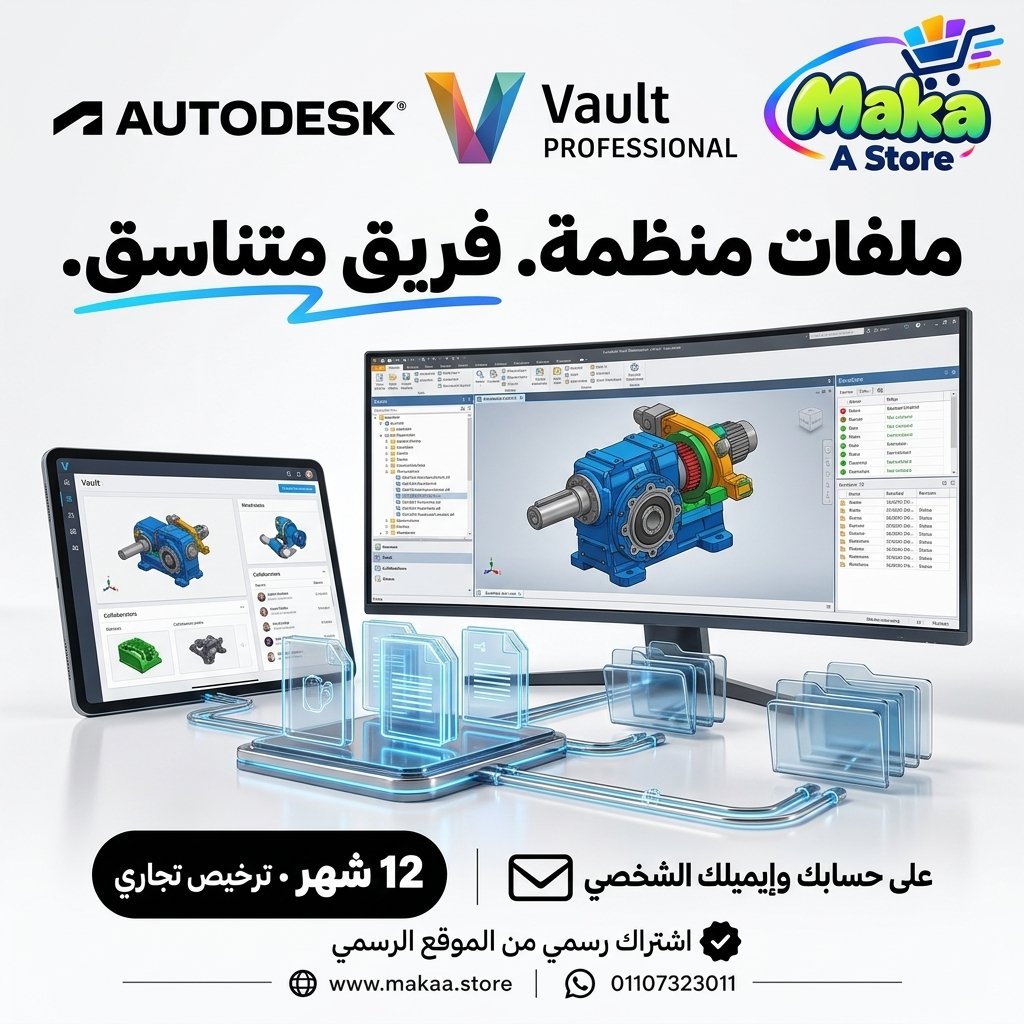
Vault Professional Subscription
Vault Professional Subscription — professional software or digital subscription from Maka A Store. Activation, license type and delivery details are shown on this page.
248.40 $
Duration12 months
License typeCommercial
ActivationTo your personal account/email
WarrantyWarranty throughout subscription
⚡ Fast activation🛡️ Warranty💬 Support🔒 Secure payment
Autodesk Vault Professional Commercial - 1-Year Subscription for Engineering Data & CAD File Management
Get Autodesk Vault Professional Commercial for 12 months and access advanced tools for engineering data management, CAD file organization, version control, revision tracking, and team collaboration within a centralized professional environment.
Vault Professional is Autodesk's professional Product Data Management (PDM) solution designed to help engineering, manufacturing, and product development teams organize design files, control revisions, track changes, and manage project information more efficiently.
Autodesk Vault Professional Commercial
Price: EGP 12000 / Year
Subscription Details
- Product: Autodesk Vault Professional.
- Subscription Duration: 12 Months.
- License Type: Commercial.
- Usage: Professional & Commercial.
- Activation: Personal or Company Email Account.
- Access to features available under the Vault Professional plan.
- Centralized engineering file and data management.
- Advanced version and revision control tools.
- Support for engineering and manufacturing workflows.
- Available updates throughout the subscription period.
- Support during activation and setup.
What Is Autodesk Vault Professional?
Autodesk Vault Professional is a Product Data Management solution designed to help teams organize engineering files, manage versions and revisions, track design changes, and collaborate using centralized project data.
Instead of managing multiple copies of CAD files across folders and individual computers, Vault Professional provides a structured environment for controlling design information and project documentation.
Centralized Project File Management
Vault Professional helps organizations store and manage engineering files and project data within a centralized environment.
It can be used to manage:
- CAD Files.
- Engineering Drawings.
- Assemblies.
- Parts.
- Project Documents.
- Design Data.
- Other engineering project files.
Version Control
One of the key capabilities of Vault Professional is structured file version management.
This can help teams:
- Identify the latest file version.
- Access previous versions when required.
- Track modification history.
- Reduce accidental use of outdated files.
- Manage the design file lifecycle.
Engineering Change Tracking
Engineering teams can use Vault Professional to organize and monitor changes made to project files and designs.
This can help with:
- Tracking modifications.
- Identifying who made changes.
- Reviewing file history.
- Maintaining organized project data.
- Reducing conflicts between different design versions.
Check-In & Check-Out
Check-In and Check-Out workflows help teams control file editing and reduce conflicting changes when multiple users work on the same project.
This can help with:
- Organizing editing workflows.
- Reducing design conflicts.
- Maintaining a controlled central file.
- Improving team collaboration.
Product Data Management - PDM
Vault Professional operates as a PDM system for managing information associated with engineering designs and products.
Managed information may include:
- Design Files.
- Part Data.
- Versions.
- Documents.
- Properties.
- Product Information.
- Engineering Project Data.
Improve Team Collaboration
Vault Professional helps engineering teams work from a centralized source of project information instead of relying on separate file copies stored across different computers.
This can help:
- Improve collaboration.
- Reduce duplicate files.
- Reduce outdated file usage.
- Improve data sharing.
- Organize workflows between departments.
Engineering File Search
Search tools can help users locate engineering files and project information without manually searching through large folder structures.
Teams can locate:
- Drawings.
- Parts.
- Assemblies.
- Documents.
- Properties.
- Other project information.
File Lifecycle Management
Vault Professional can be used to manage different stages of engineering data throughout a project lifecycle.
A workflow may include:
- Work in Progress.
- Review.
- Approval.
- Released.
- Revision.
Revision Management
Vault Professional helps teams manage revisions of engineering drawings and design files in a structured way.
This is particularly useful for organizations that need to document approved changes and releases throughout a project.
User Permissions
Administrators can manage access permissions for users and teams according to their roles and responsibilities.
This can help with:
- Controlling data access.
- Reducing unauthorized changes.
- Managing user permissions.
- Organizing data between departments.
Bill of Materials Management
Vault Professional can be used within workflows involving Bill of Materials - BOM information for products and assemblies.
This can improve data organization between design, engineering, and manufacturing teams.
Change Management
Vault Professional provides capabilities for organizing engineering change workflows.
This can help organizations:
- Record change requests.
- Track modifications.
- Manage reviews.
- Track approvals.
- Maintain a clear history of engineering changes.
Autodesk Inventor Integration
Vault Professional can be used within workflows involving Autodesk Inventor to manage parts, assemblies, drawings, and engineering design data.
This can help mechanical design teams manage complex projects more efficiently.
AutoCAD Integration
Vault Professional can be used to manage AutoCAD files and track revisions, versions, and changes across engineering drawings and project documentation.
Autodesk Workflow Integration
Vault is designed to work within Autodesk environments, making it suitable for organizations that use multiple Autodesk applications throughout design and manufacturing workflows.
This can create a more connected process between design, data management, and production.
Engineering Data Protection & Organization
A centralized data management environment can help reduce problems caused by uncontrolled duplicate files and inconsistent project versions.
This can contribute to:
- Improved data control.
- Organized versions and revisions.
- Reduced accidental file replacement.
- Improved change tracking.
- Clearer project data structures.
Vault Professional for Engineering Firms
Engineering firms can use Vault Professional to organize project files, engineering drawings, and documents while improving collaboration between team members.
Vault Professional for Manufacturing Companies
Manufacturers can use Vault to manage product files, manufacturing information, and engineering drawings across design, production, and quality departments.
Vault Professional for Design Teams
Design teams can use Vault Professional to access current files, track changes, and organize projects containing large numbers of parts, assemblies, and documents.
Vault Professional for Manufacturing Teams
Manufacturing teams can work with controlled and approved design versions, helping reduce the risk of using outdated or unapproved engineering files.
Vault Professional for Large Organizations
Vault Professional is suitable for organizations managing large numbers of engineering files, projects, users, and product data that require centralized control.
Who Is It Suitable For?
- Engineering Companies.
- Manufacturing Companies.
- Mechanical Design Teams.
- Product Development Teams.
- Engineering Offices.
- Manufacturing Facilities.
- CAD Teams.
- R&D Teams.
- Manufacturing Teams.
- Engineering Data Managers.
- Organizations using Autodesk Inventor and AutoCAD.
Key Autodesk Vault Professional Features
- Centralized project file management.
- Product Data Management - PDM.
- Version Control.
- Revision Management.
- Check-In and Check-Out workflows.
- Design change history tracking.
- User permission management.
- File lifecycle management.
- Change Management workflows.
- BOM data management.
- Engineering file and data search.
- Improved team collaboration.
- Integration with Autodesk Inventor, AutoCAD, and Autodesk workflows.
- Suitable for engineering firms and manufacturing companies.
- Designed for professional and commercial use.
Commercial License for Professional Use
The offered subscription is a Commercial plan intended for professional and business use, making it suitable for engineering firms, manufacturers, design teams, product development teams, and organizations working on commercial projects.
Autodesk Vault Professional can be used within professional engineering and manufacturing environments according to the applicable licensing terms.
Activation Method
After completing your order, we will send an invitation to your personal email address or your company email address.
Once you accept the invitation, your Commercial subscription (Vault Professional) will be activated directly on your account and you can start using the software immediately.
Autodesk Vault Professional Commercial Details
Product: Autodesk Vault Professional
Plan Type: Commercial
Subscription Duration: 12 Months
Usage: Professional & Commercial
Activation: Invitation sent to the customer's personal or company email address
Price: EGP 12000 / Year
Delivery Time
The invitation and activation are usually prepared within 10 minutes to 5 hours, depending on order volume.
Support
- Support during activation.
- Assistance with accepting the invitation and setting up the subscription.
- Follow-up until the subscription is activated on your account.
- Technical support according to the applicable service and warranty terms.
Keywords
Vault Professional, Autodesk Vault Professional, Vault Professional Subscription, Autodesk Vault Price, Vault Commercial, PDM Software, Product Data Management, Engineering Data Management, CAD File Management, Version Control Software, Autodesk Inventor Vault, AutoCAD Vault, Engineering Document Management, BOM Management Software, Revision Management, CAD Data Management, Autodesk PDM, Engineering File Management.
With Maka A Store, get Autodesk Vault Professional Commercial for one year for EGP 12000, activated on your account through an invitation sent to your personal or company email, and manage engineering files, versions, revisions, and project data within a professional centralized PDM environment.
Ordering & activation
Add the product to cart, complete checkout, choose a payment method and upload the receipt when required. Subscription and delivery details are confirmed before fulfillment.







Customers who subscribed with us
★★★★★5.0536 reviews