
















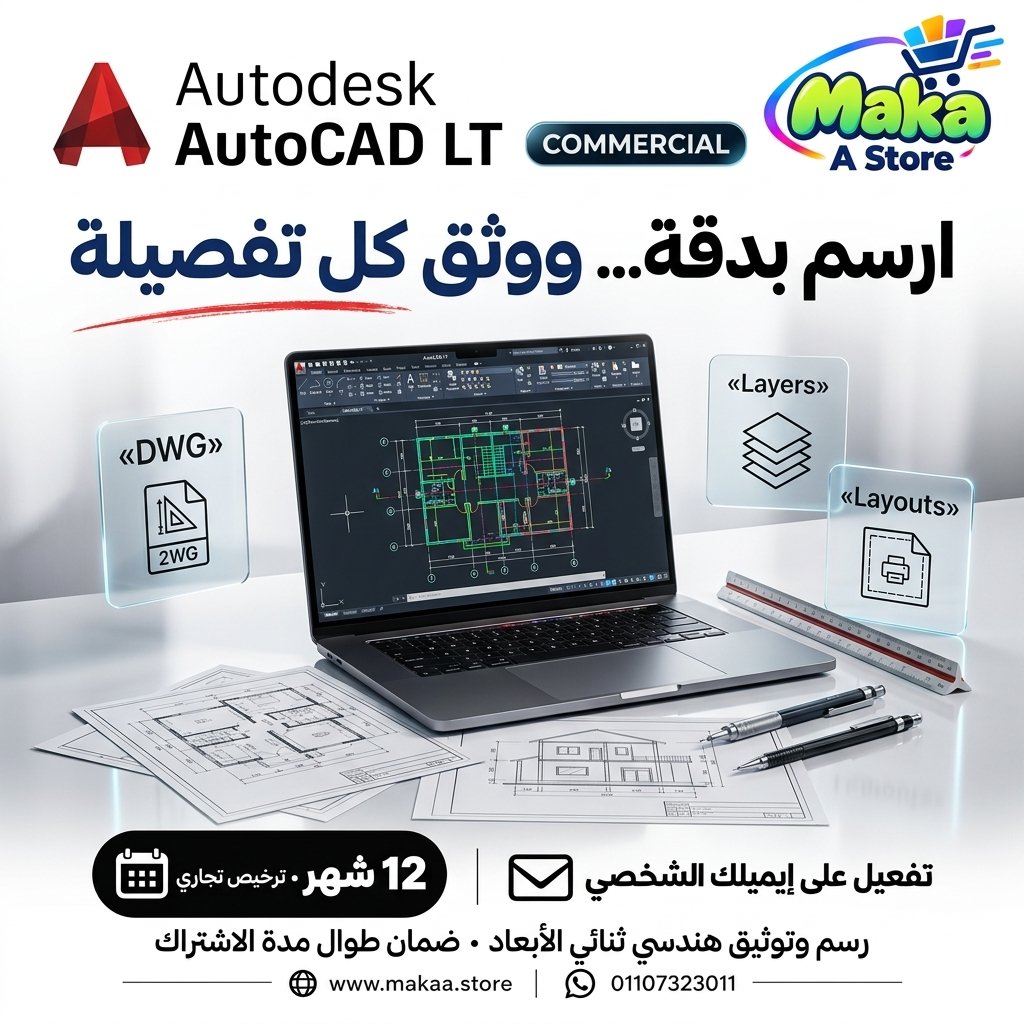
AutoCAD LT
AutoCAD LT from Maka A Store. Review key features and offer details before ordering.
952.50 د.إ
Duration12 months
License typeCommercial license
ActivationTo your personal account/email
WarrantyWarranty throughout subscription
⚡ Fast activation🛡️ Warranty💬 Support🔒 Secure payment
Autodesk AutoCAD LT – 12-Month Commercial Subscription
Get Autodesk AutoCAD LT through Maka A Store, professional 2D drafting and documentation software designed for engineers, architects, designers, and CAD professionals.
AutoCAD LT provides precise drafting tools, DWG file compatibility, layer management, blocks, dimensions, annotations, and documentation capabilities for professional technical drawings.
Subscription Details
- Product: Autodesk AutoCAD LT.
- License Type: Commercial License.
- Duration: 12 Months.
- Activation: Personal or company email.
- Account: Your Autodesk account.
- Warranty: Full subscription duration.
- Price: EGP 12,700.
What Is AutoCAD LT?
AutoCAD LT is professional 2D CAD drafting software designed for creating technical drawings, engineering plans, construction documentation, and detailed design drawings.
It is suitable for professionals who primarily need 2D drafting rather than the advanced 3D modeling capabilities available in full AutoCAD.
Key Features
- 2D Drafting: Create accurate two-dimensional technical drawings.
- DWG Support: Open, edit, and save DWG files.
- Precision Drawing: Use accurate CAD drafting tools.
- Layer Management: Organize drawings with layers.
- Blocks: Create reusable drawing elements.
- Dimensions: Add and manage engineering dimensions.
- Annotations: Add notes, labels, and symbols.
- Hatching: Apply hatch patterns to drawings.
- Layouts: Prepare professional drawing sheets.
- PDF Export: Export drawings to PDF.
- Drawing Comparison: Compare changes between drawing files.
- External References: Work with Xrefs.
- AutoLISP: Automate supported drafting tasks.
- Cloud Collaboration: Use supported sharing and collaboration workflows.
Professional 2D Drafting
Create architectural, civil, mechanical, and electrical drawings using professional CAD drafting tools.
DWG File Compatibility
Open, edit, and save DWG drawings for collaboration with other AutoCAD users and compatible applications.
Layer Management
Organize drawing elements and control visibility using layers.
Blocks and Reusable Elements
Improve drafting efficiency by creating and reusing standard drawing components.
Documentation and Printing
Prepare layouts, dimensions, and drawing sheets for professional printing and project delivery.
AutoCAD LT vs. Full AutoCAD
AutoCAD LT focuses on 2D drafting and documentation, while full AutoCAD provides additional advanced 3D modeling and specialized capabilities.
Who Is It Suitable For?
- Architects.
- Civil Engineers.
- Mechanical Engineers.
- Electrical Engineers.
- CAD Drafters.
- Technical Offices.
- Construction Companies.
- 2D Drafting Professionals.
- DWG File Users.
Commercial License Benefits
- 12-month Autodesk Commercial subscription.
- Activation on your Autodesk account.
- Professional and commercial use according to licensing terms.
- Access to eligible software updates.
- Warranty throughout the subscription period.
- Activation assistance and support.
Activation Method
After completing your order, an activation invitation will be sent to your personal or company email address. Once accepted and assigned, AutoCAD LT can be downloaded and accessed through your Autodesk account.
Warranty
Full 12-month subscription warranty, including assistance with eligible activation and subscription issues.
Delivery & Activation Time
Activation is completed within 5 minutes to 5 hours maximum, depending on order volume.
Important Notice
AutoCAD LT is primarily designed for 2D drafting and documentation and does not include all advanced 3D modeling and specialized features available in full AutoCAD.
Keywords
Autodesk AutoCAD LT, AutoCAD LT Commercial, AutoCAD LT Egypt, AutoCAD LT License, AutoCAD LT 12 Months, AutoCAD LT Subscription, AutoCAD LT Price, AutoCAD LT 2D, 2D Drafting Software, DWG Editor, AutoCAD LT Windows, AutoCAD LT Mac, Autodesk CAD Software, AutoCAD LT Commercial License.
With Maka A Store, get Autodesk AutoCAD LT Commercial for 12 months for EGP 12,700, activated on your Autodesk account with warranty coverage throughout the subscription period.
Ordering & activation
Add the product to cart, complete checkout, choose a payment method and upload the receipt when required. Subscription and delivery details are confirmed before fulfillment.







Customers who subscribed with us
★★★★★5.0299 reviews