
















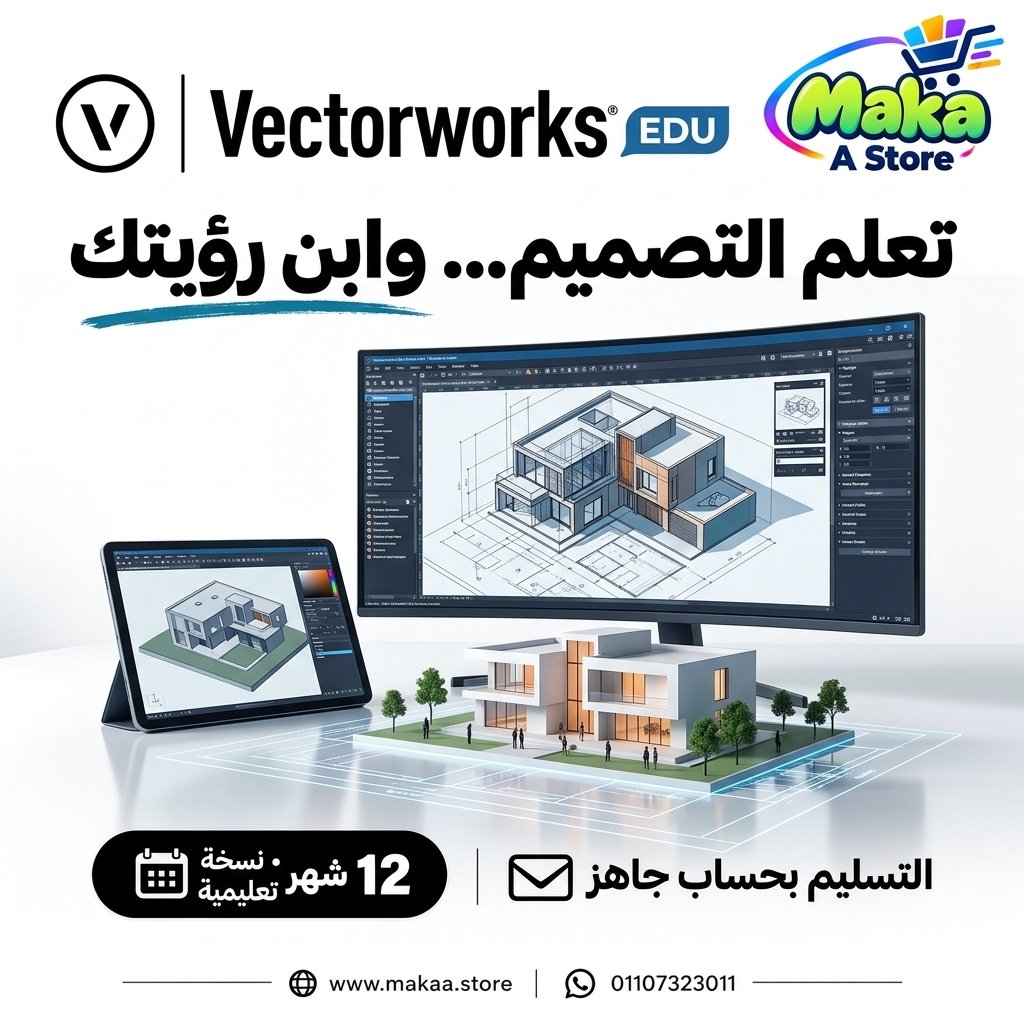
Sale!-80%
Vectorworks Subscription
Vectorworks Subscription — professional software or digital subscription from Maka A Store. Activation, license type and delivery details are shown on this page.
Duration12 months
License typeEducational / EDU
ActivationA ready-to-use email is delivered.
WarrantyWarranty throughout subscription
⚡ Fast activation🛡️ Warranty💬 Support🔒 Secure payment
Vectorworks EDU 1-Year Subscription - CAD, Architecture & 3D Design for Students
If you study architecture, interior design, engineering, entertainment design, or CAD, Vectorworks EDU provides a professional design environment for learning 2D drafting, 3D modeling, architectural design, and project documentation.
Get Vectorworks EDU for 12 months and use the educational tools available within the plan to develop your design skills, complete academic projects, and practice professional CAD and 3D workflows.
Vectorworks EDU - 1-Year Subscription
Price: EGP 3,000 / Year
Subscription Details
- Product: Vectorworks EDU.
- Duration: 12 Months.
- License Type: Educational / EDU.
- Account ready for setup and activation.
- Access to tools available within the educational plan.
- 2D and 3D design capabilities.
- Suitable for study, learning, and training.
- Suitable for architecture, engineering, and design students.
- Support during and after activation.
What Is Vectorworks?
Vectorworks is a design platform that combines CAD, 2D drafting, 3D modeling, architectural workflows, and creative design tools within one environment.
It allows students and designers to move from early concepts to drawings, models, and documentation while learning professional design workflows.
2D CAD Design
Vectorworks provides tools for creating and editing technical 2D drawings.
It can be used for:
- Floor Plans.
- Technical Drawings.
- Architectural Layouts.
- Details.
- Sections.
- Elevations.
- Documentation.
3D Modeling
Vectorworks can be used to create 3D models for architectural and design projects, helping students understand and present projects more clearly.
Suitable for:
- Architectural Modeling.
- Interior Design.
- Concept Modeling.
- Building Design.
- Product and Object Modeling.
- Presentation Models.
Architectural Design
Vectorworks provides workflows that can help architecture students develop projects from early concepts through drawings and 3D models.
Possible uses include:
- Residential Design.
- Commercial Design.
- Building Layouts.
- Space Planning.
- Architectural Documentation.
- Design Development.
Floor Plan Design
Students can create organized architectural and technical floor plans using the program's drawing and editing tools.
This can help with:
- Space Planning.
- Project Organization.
- Academic Drawings.
- Architectural Design Development.
- Professional Project Presentation.
Elevations & Sections
Vectorworks can be used to prepare and develop elevations and sections for architectural and design documentation.
These can include:
- Building Elevations.
- Architectural Sections.
- Interior Elevations.
- Construction Details.
- Design Documentation.
Interior Design
Interior design students can use Vectorworks for space planning, floor plans, 3D modeling, and interior project development.
Suitable for:
- Residential Interiors.
- Commercial Interiors.
- Furniture Layouts.
- Space Planning.
- Interior Presentation.
Entertainment & Stage Design
The Vectorworks ecosystem is also widely associated with workflows in entertainment, stage, event, and production design.
Possible workflows include:
- Stage Design.
- Event Design.
- Entertainment Design.
- Scenic Design.
- Production Planning.
CAD for Engineering Projects
Available Vectorworks tools can be used to create and edit technical drawings for academic and training projects.
Integrated Design Environment
One of the key advantages of Vectorworks is the ability to combine 2D drafting and 3D modeling within the same project environment.
This can help with:
- Moving between 2D and 3D workflows.
- Developing designs within one project.
- Improved project organization.
- Clearer project presentation.
- Reducing the need for multiple tools for certain workflows.
Flexible Design Workflows
Vectorworks supports flexible design workflows that allow students to explore and modify ideas during different stages of a project.
Project Organization
Project drawings and design elements can be organized within the working environment, helping students manage projects containing multiple drawings and components.
Useful for:
- Graduation Projects.
- Large Architecture Projects.
- Interior Design Projects.
- Multi-Drawing Projects.
- Portfolio Projects.
Project Presentation
Vectorworks drawings and models can be used to prepare academic presentations and portfolio projects.
Suitable for:
- Student Presentations.
- Architecture Portfolio.
- Design Reviews.
- Project Submissions.
- Graduation Projects.
Vectorworks for Architecture Students
Architecture students can use the software to practice CAD, 3D modeling, floor plans, elevations, sections, and architectural project development.
Vectorworks for Interior Design Students
The platform can help students practice space planning, modeling, project presentation, and interior design workflows.
Vectorworks for Entertainment Design Students
Students in stage, event, production, and entertainment design can use available tools to learn space, scenery, and production-related workflows.
Vectorworks for Graduation Projects
Vectorworks can support academic graduation projects that require 2D drawings, 3D models, documentation, and project presentation.
Vectorworks for Portfolio Development
Students and designers can use the software to create projects and drawings that demonstrate their CAD, architecture, and 3D design skills.
Multiple Design Workflows
Vectorworks provides a flexible environment that can support different areas of design depending on the tools available within the educational plan.
Common areas include:
- Architecture.
- Interior Design.
- 2D CAD.
- 3D Modeling.
- Entertainment Design.
- Landscape-related Workflows depending on available plan tools.
- Design Documentation.
Who Is It Suitable For?
- Architecture Students.
- Interior Design Students.
- Engineering and Design Students.
- Entertainment Design Students.
- CAD and 3D Students.
- Interior Design Learners.
- BIM and CAD Learners.
- Graduation Project Students.
- Anyone learning Vectorworks under an educational plan.
Key Vectorworks EDU Features
- 1-year Educational subscription.
- 2D CAD tools.
- 3D modeling.
- Architectural design tools.
- Floor Plans.
- Elevations.
- Sections.
- Design Documentation.
- Interior design workflows.
- Entertainment and event workflows depending on available tools.
- Flexible project environment.
- Suitable for academic and training projects.
- Suitable for engineering and design students.
Educational License
This subscription is an Educational / EDU plan intended for learning, study, and training according to the applicable Vectorworks licensing terms.
The educational plan is not presented as a Commercial license and should be used according to the educational-use conditions applicable to the account.
Activation Method
After completing your order, the Vectorworks EDU account is prepared and the required account details or activation steps are provided according to the available account method.
Activation support is provided until the account is ready to use.
Warranty & Support
- Subscription warranty according to the offer terms.
- Support during activation.
- Support after activation.
- Follow-up until the account is working correctly.
- Assistance with activation-related issues according to the applicable service terms.
Delivery Time
The account is usually prepared and delivered within 10 minutes to 5 hours, depending on order volume.
Vectorworks EDU Subscription Details
Product: Vectorworks EDU
Duration: 12 Months
License Type: Educational / EDU
Usage: Study, Learning, Training & Academic Design
Price: EGP 3,000 / Year
Keywords
Vectorworks EDU, Vectorworks Subscription, Vectorworks Education, Vectorworks Price, Vectorworks Student, Vectorworks Account, Vectorworks Annual Subscription, Vectorworks CAD, Vectorworks 3D, Vectorworks Architecture, Vectorworks Interior Design, Vectorworks Student License, CAD Software for Students, Architecture Software, 3D Design Software, Vectorworks for Students, Educational CAD Software, Architecture Design Software, Interior Design Software.
With Maka A Store, get Vectorworks EDU for one year for EGP 3,000 and access the CAD, architectural design, and 3D modeling tools available within the educational plan for study, training, and academic projects.
Ordering & activation
Add the product to cart, complete checkout, choose a payment method and upload the receipt when required. Subscription and delivery details are confirmed before fulfillment.





Customers who subscribed with us
★★★★★5.0524 reviews
★★★★★✓ Verified purchase