











 Sale! -97%
Sale!-97%
Microsoft Winows Server 2016
Microsoft Winows Server 2016 — professional software or digital subscription from Maka A Store. Activation, license type and delivery details are shown on this page.
Offer ends in
00h:00m:00s
👁️ 17 viewing this product now
Duration12 months
License typeSee product details
Activationserial number
Warranty12-month warranty
Choose your plan
⚡ Fast activation🛡️ Warranty💬 Support🔒 Secure payment
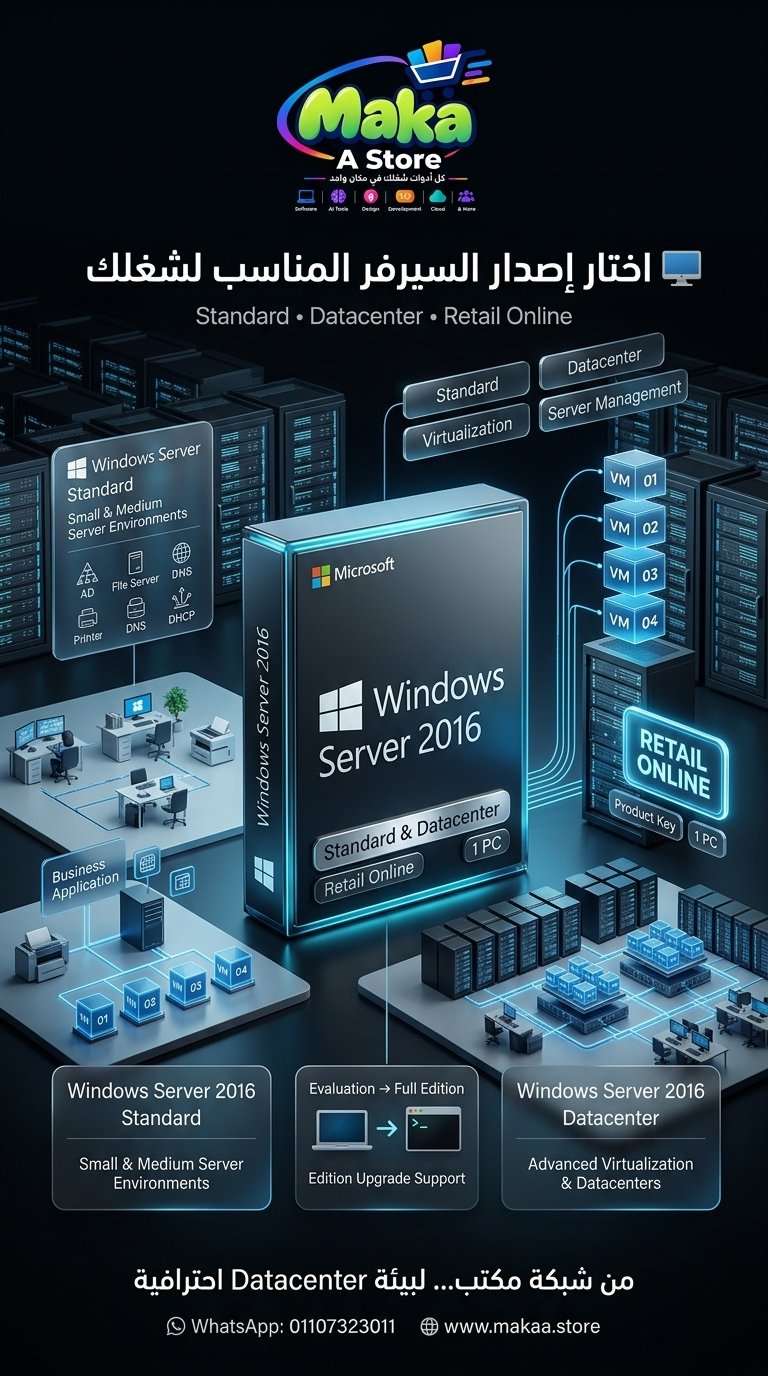
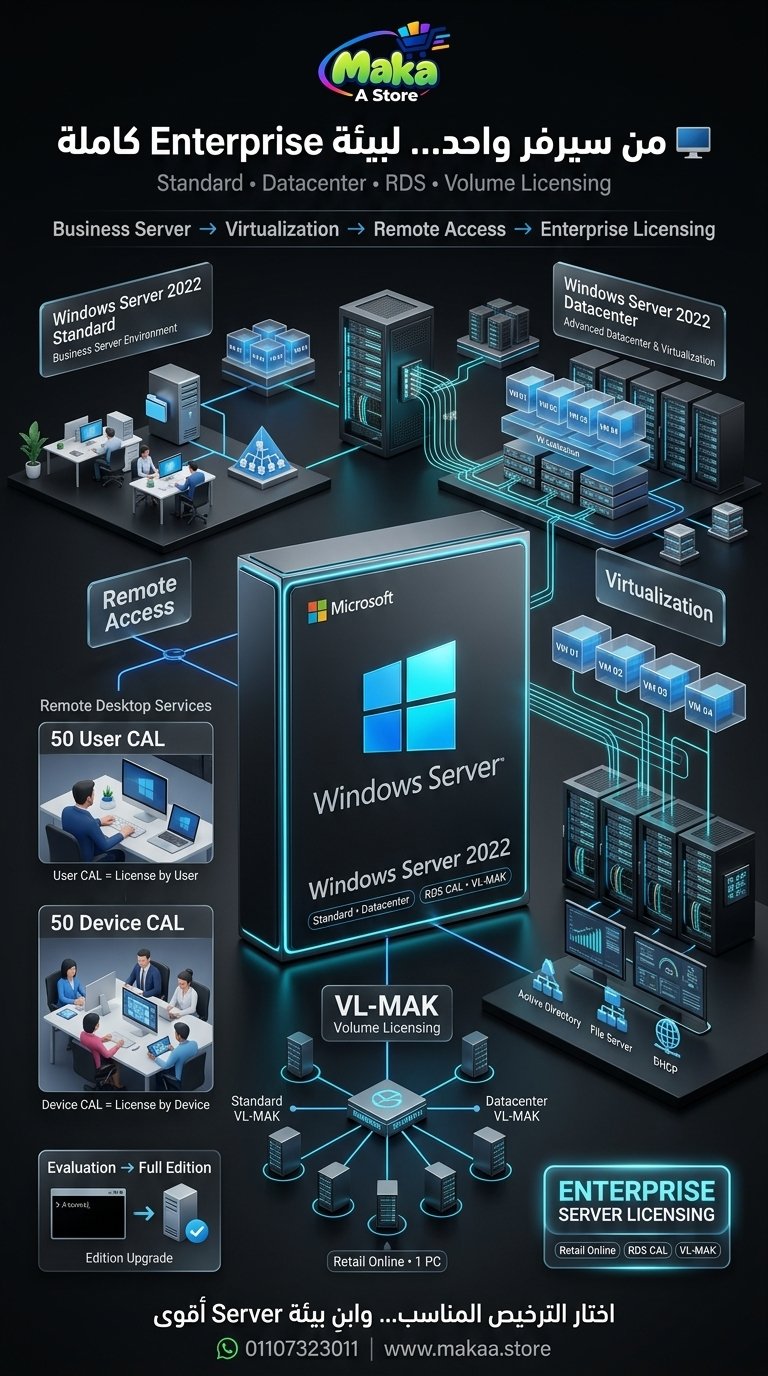
Windows Server 2016 Standard & Datacenter - Retail Online Activation
Get Windows Server 2016 in Standard or Datacenter edition with Retail Online activation for one device, suitable for businesses, offices, IT environments, and professional server deployments.
The product key can be used to activate a compatible Windows Server 2016 installation, and in supported scenarios an Evaluation installation can be converted to a Full Edition using DISM and a compatible product key.
Available Plans & Prices
Windows Server 2016 Standard - Retail Online
Price: EGP 750 per device
- Edition: Windows Server 2016 Standard
- License Type: Retail Online
- Devices: 1 PC
- Activation Method: Product Key
- Suitable for small and medium server environments.
- Suitable for businesses that require core Windows Server functionality.
Windows Server 2016 Datacenter - Retail Online
Price: EGP 700 per device
- Edition: Windows Server 2016 Datacenter
- License Type: Retail Online
- Devices: 1 PC
- Activation Method: Product Key
- Suitable for larger infrastructure and data center environments.
- Suitable for environments with more advanced virtualization requirements.
Standard vs. Datacenter
Windows Server 2016 Standard is suitable for small and medium business environments that require core Windows Server services and centralized infrastructure management.
Windows Server 2016 Datacenter is designed for larger organizations, data centers, and environments that rely more heavily on virtualization and advanced server infrastructure.
Convert Windows Server 2016 Evaluation to Full Edition
If Windows Server 2016 is currently installed as an Evaluation edition, it may be converted to a full edition in supported scenarios using Command Prompt or Windows PowerShell with Administrator privileges.
Windows Server 2016 Standard
Open Command Prompt or Windows PowerShell as Administrator and run the following command after replacing XXXXX with your product key:
dism /online /set-edition:ServerStandard /productkey:XXXXX-XXXXX-XXXXX-XXXXX-XXXXX /accepteulaRestart the server after the process is completed to finish the edition conversion.
Windows Server 2016 Datacenter
For a Datacenter product key, use the appropriate edition command:
dism /online /set-edition:ServerDatacenter /productkey:XXXXX-XXXXX-XXXXX-XXXXX-XXXXX /accepteulaRestart Windows Server after completion.
Activation Steps
- Verify that the installed Windows Server edition is compatible with the product key.
- Open Command Prompt or PowerShell as Administrator.
- Run the appropriate DISM command if the system is an Evaluation edition.
- Wait for the conversion process to complete.
- Restart the server.
- Verify activation status after the restart.
Important Before Activation or Edition Conversion
- Make sure the product key matches the Standard or Datacenter edition.
- Back up important data before changing editions.
- Confirm that the installed edition supports the intended conversion path.
- Edition conversion should preferably be performed by an experienced system administrator.
Who Is Windows Server 2016 Standard Suitable For?
- Small and Medium Businesses.
- Offices.
- File Servers.
- Print Servers.
- Active Directory Environments.
- Internal Business Applications.
- Moderate Server Workloads.
Who Is Windows Server 2016 Datacenter Suitable For?
- Data Centers.
- Large Businesses and Organizations.
- Virtualized Environments.
- Advanced Infrastructure.
- Environments with larger virtual server deployments.
- IT and System Administration Teams.
Common Windows Server 2016 Use Cases
- Active Directory.
- File Server.
- Print Server.
- DNS Services.
- DHCP Services.
- Application Hosting.
- Server Management.
- Virtualization depending on edition and infrastructure.
Delivery Method
- Product key delivery.
- Activation instructions.
- Evaluation-to-Full conversion guidance when required.
- Support during activation.
Pricing Summary
| Product | License Type | Devices | Price |
|---|---|---|---|
| Windows Server 2016 Standard | Retail Online | 1 PC | EGP 750 |
| Windows Server 2016 Datacenter | Retail Online | 1 PC | EGP 700 |
Delivery Time
Orders are usually completed within 10 minutes to 5 hours, depending on order volume and activation procedures.
Support
- Support during activation.
- Assistance with selecting the appropriate edition.
- Guidance for supported Evaluation-to-Full edition conversion.
- Follow-up according to the applicable service and warranty terms.
With Maka A Store, get Windows Server 2016 Standard or Datacenter with Retail Online activation for one device and choose the edition that best matches your server environment.
Ordering & activation
Add the product to cart, complete checkout, choose a payment method and upload the receipt when required. Subscription and delivery details are confirmed before fulfillment.
Customers who subscribed with us
★★★★★5.0143 reviews
★★★★★✓ Verified purchase
Ahmed Abdelrady
★★★★★✓ Verified purchase
Ragab Abdelkader
★★★★★✓ Verified purchase
Emily Carter
★★★★★✓ Verified purchase
Fady Samir
★★★★★✓ Verified purchase
Hamada Gamal Alhelaly
★★★★★✓ Verified purchase
Ali Salah Eldin Ahmed
★★★★★✓ Verified purchase
Gerges Magdy
★★★★★✓ Verified purchase
Randa Hamdy
★★★★★✓ Verified purchase
Bassem Nader
★★★★★✓ Verified purchase
Dena Hagag Dmh
★★★★★✓ Verified purchase
Ragab Fathy
★★★★★✓ Verified purchase
Omar Masoud
★★★★★✓ Verified purchase
Wael Abdelrazek
★★★★★✓ Verified purchase
Bishoy Fawzy
★★★★★✓ Verified purchase